Skip to content
GPS attendance, made simple

Track employee attendance from anywhere, effortlessly

GPS clock-in, smart geofencing, shift schedules and live reports — all in one beautiful app your team will actually enjoy using.

14-day free trial · No credit card required

Download the app

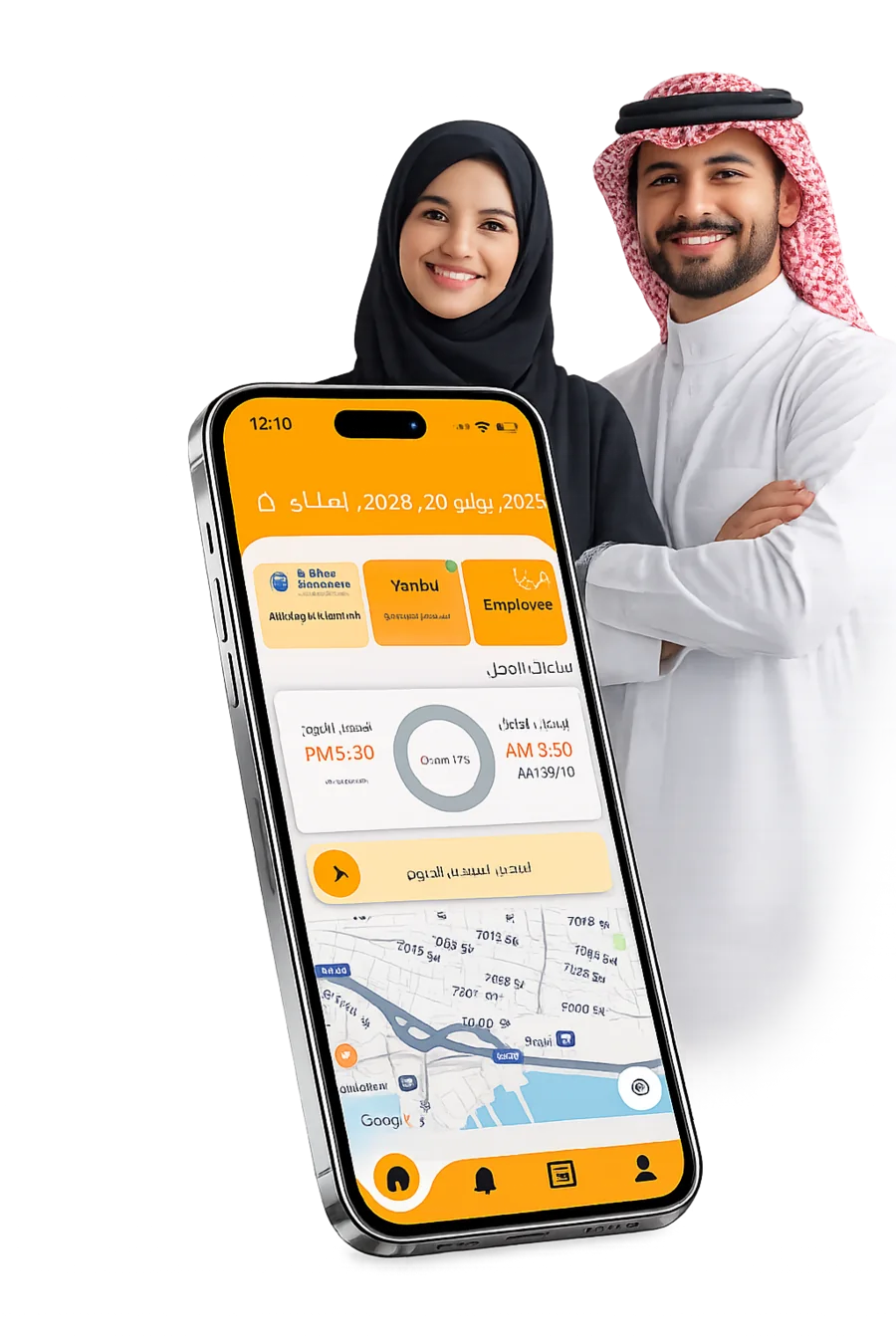
TimeMobi app clock-in screen on a smartphone

14-day

Free trial — no card

0

Hardware to install

2-min

Setup, then you’re live

GPS

Verified clock-in

Built for teams in every field

  • Retail
  • Logistics
  • Hospitality
  • Construction
  • Field services
  • Healthcare
Everything you need

One app to run attendance end to end

From the first clock-in to payroll-ready reports, TimeMobi removes the spreadsheets and the guesswork.

GPS clock-in & geofencing

Employees clock in only inside approved locations. Set a radius per site and let the app verify presence automatically.

Shift scheduling

Build rotating shifts, assign teams and publish schedules in minutes. Everyone sees their hours instantly.

Overtime & breaks

Automatic overtime calculation and break tracking keep hours accurate and compliant with your policies.

Real-time reports

Live dashboards for attendance, lateness and worked hours. Export clean, payroll-ready data in one click.

Smart notifications

Instant alerts for late arrivals, missed check-outs and pending approvals — for managers and staff alike.

API & integrations

Connect attendance to your payroll, HR and Odoo workflows through a clean, well-documented API.

Up and running in minutes

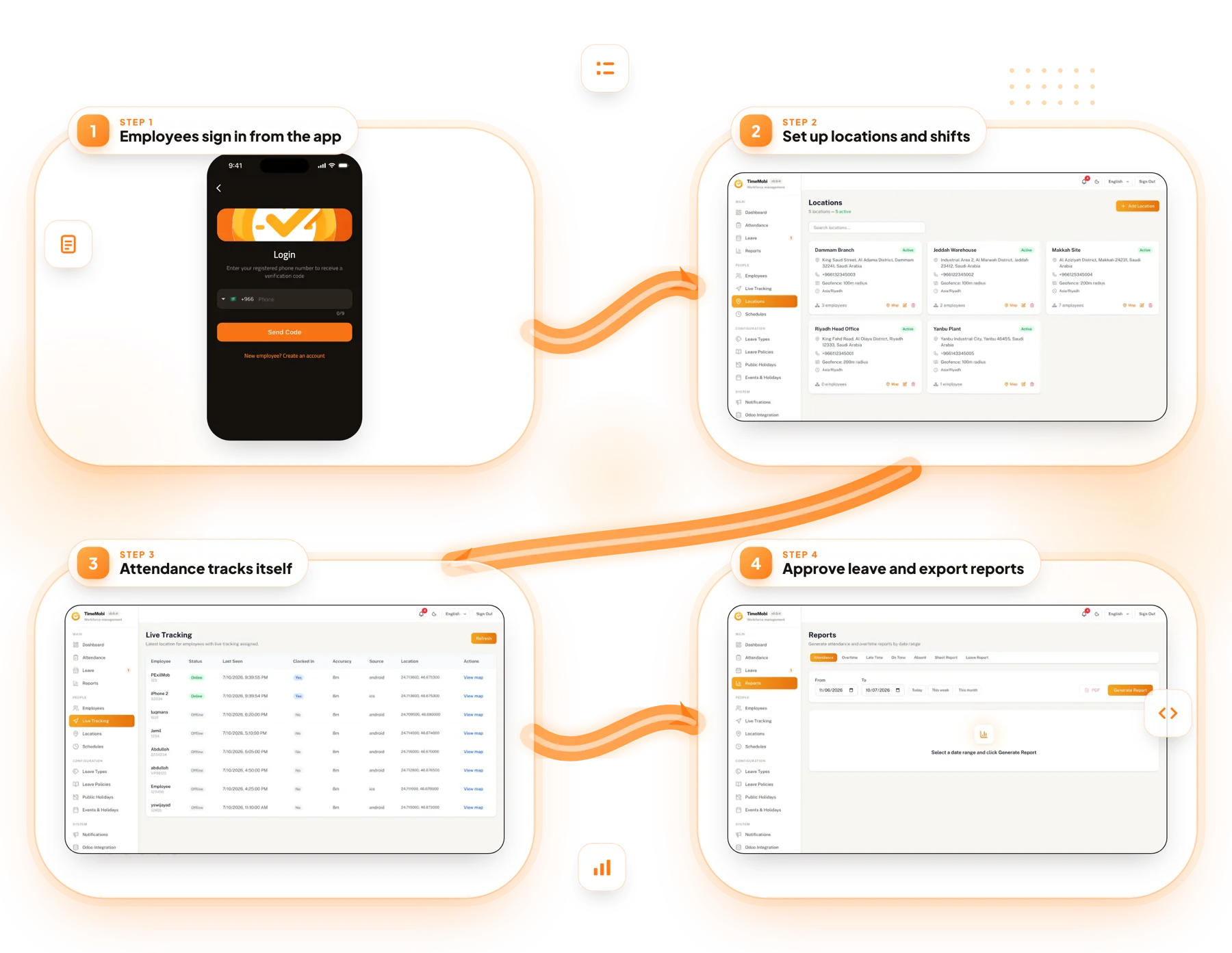
How TimeMobi works

Three simple steps to replace paper sheets and manual timesheets for good.

  1. 1

    Add your team & locations

    Invite employees, define your worksites and draw geofences on the map — no hardware required.

  2. 2

    Staff clock in from the app

    Your team checks in and out with a tap. GPS confirms they are exactly where they should be.

  3. 3

    Track, report & export

    Watch attendance in real time, approve overtime and export payroll-ready reports instantly.

A clock-in experience your team will love
Designed for the field

A clock-in experience your team will love

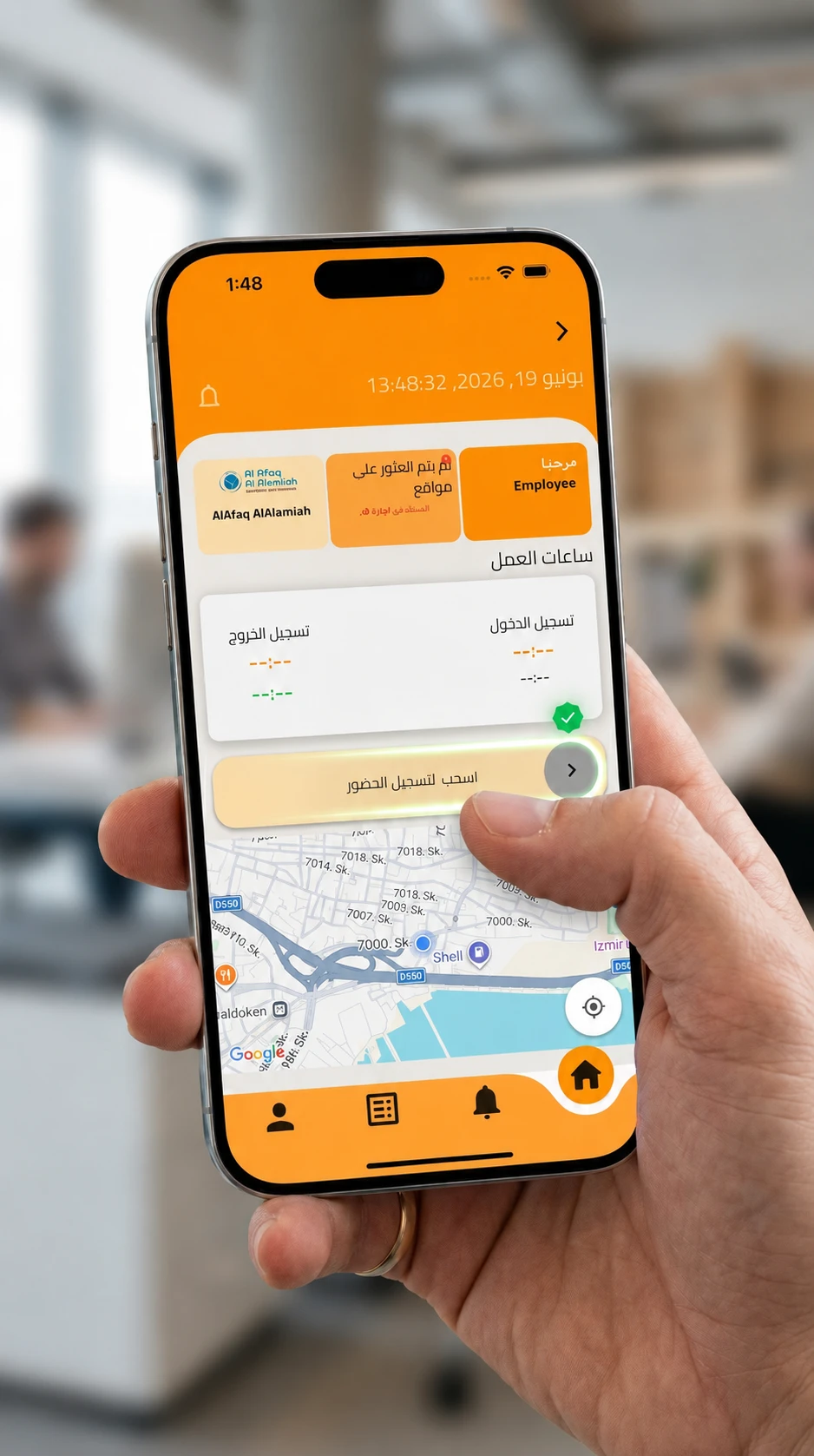
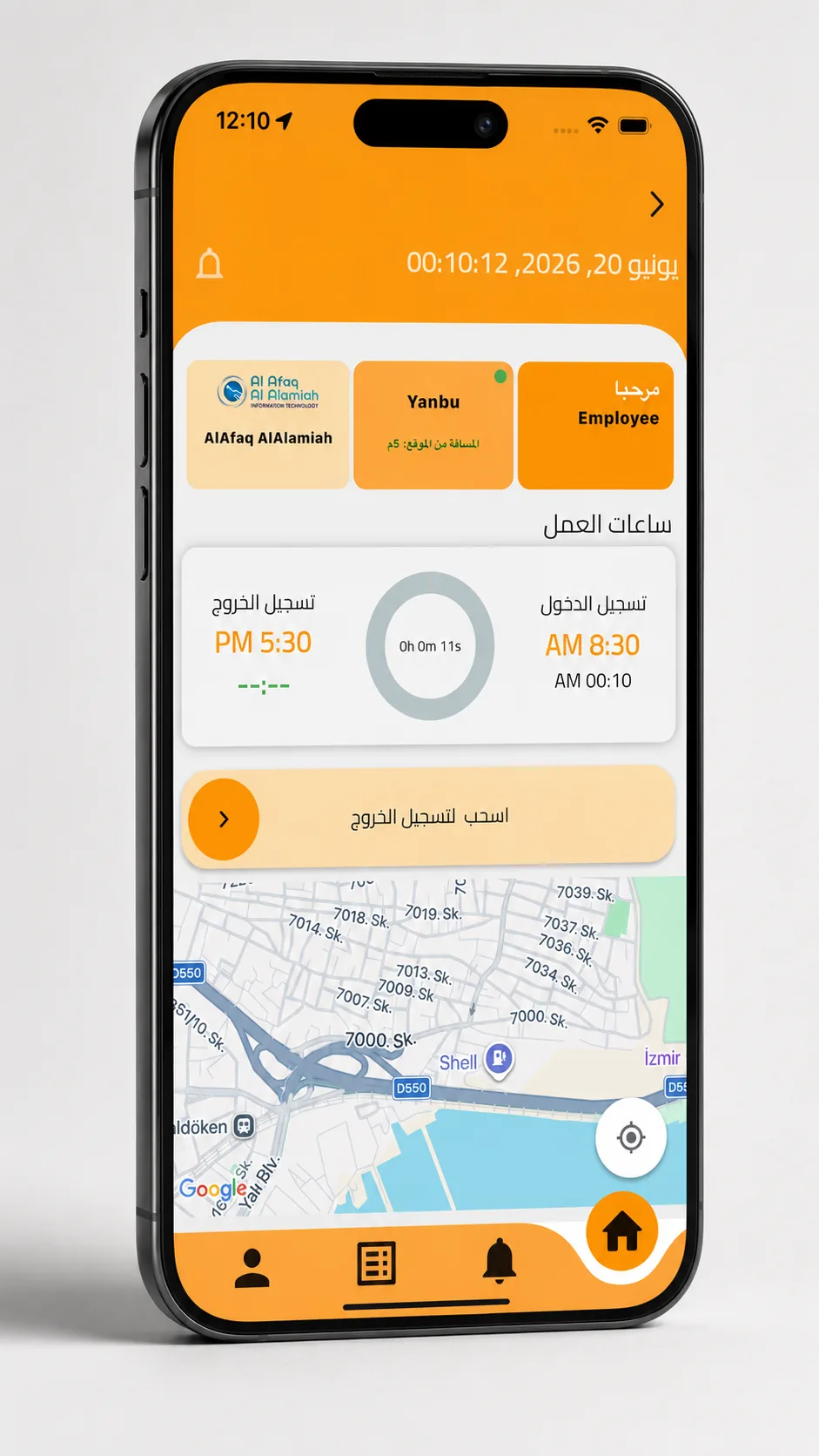
Slide to clock in, see live working hours and confirm your location on the map — all in a couple of taps.

  • Slide-to-clock-in with instant confirmation
  • Live map showing your verified location
  • Working hours, breaks and status at a glance
  • Works offline and syncs when back online
No fixed site? No problem.

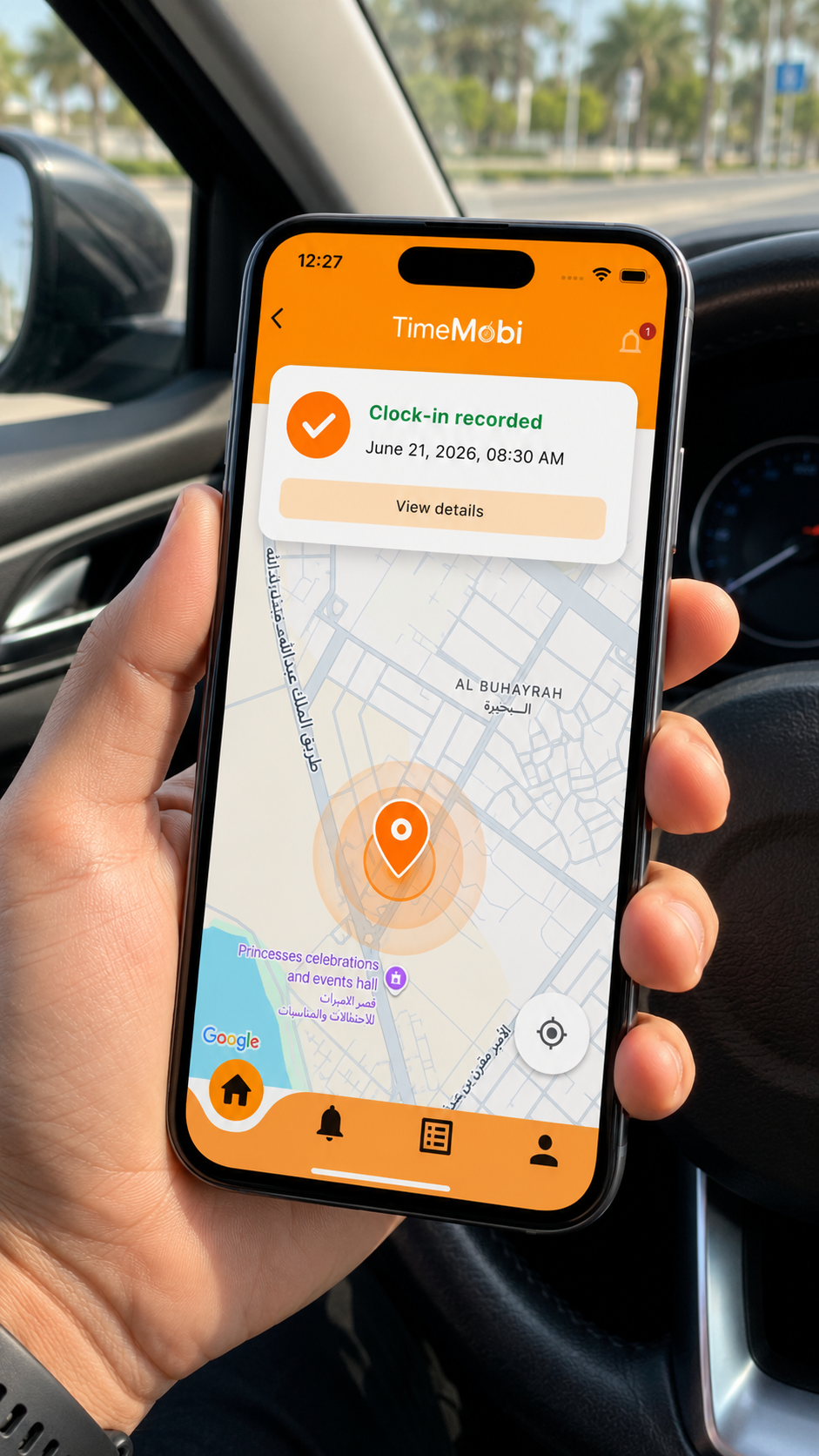
Clock in from anywhere — location captured automatically

For field teams, delivery drivers, and remote staff with no fixed office. Employees clock in and out wherever they are — GPS coordinates are captured and timestamped in real time.
  • Clock in from any location, no geofence required
  • GPS coordinates captured and timestamped automatically
  • Full audit trail for every clock-in, wherever it happens
  • Ideal for field teams, drivers, and remote employees
Clock in from anywhere — location captured automatically
A closer look

Inside the TimeMobi app

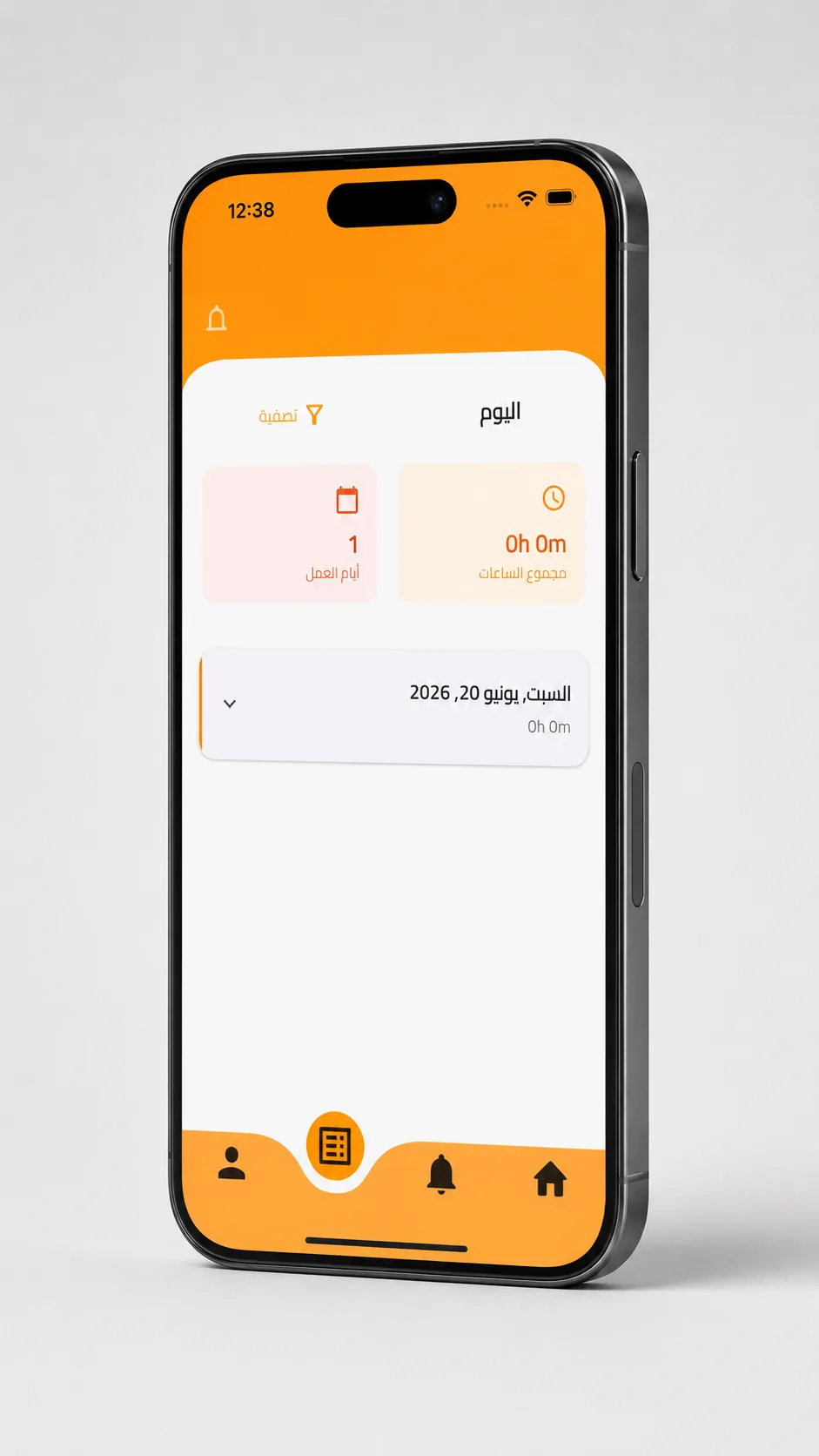
A clean, fast interface designed for the field — from clock-in to schedules and notifications.
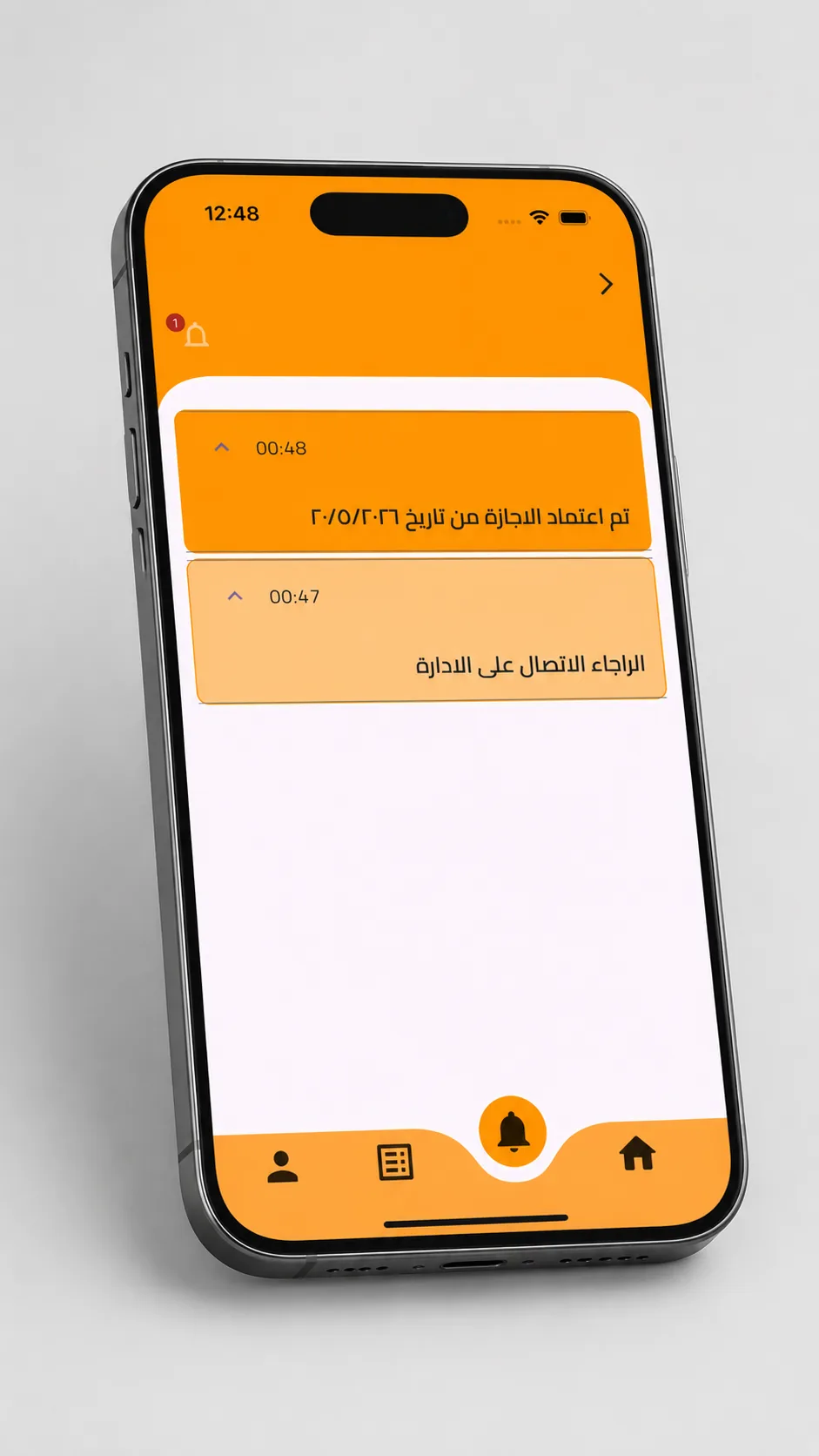
Clock in & out
Clock in & out
Shifts & schedules
Shifts & schedules
Alerts & approvals
Alerts & approvals
Mobile, tablet & web

Manage attendance from every screen

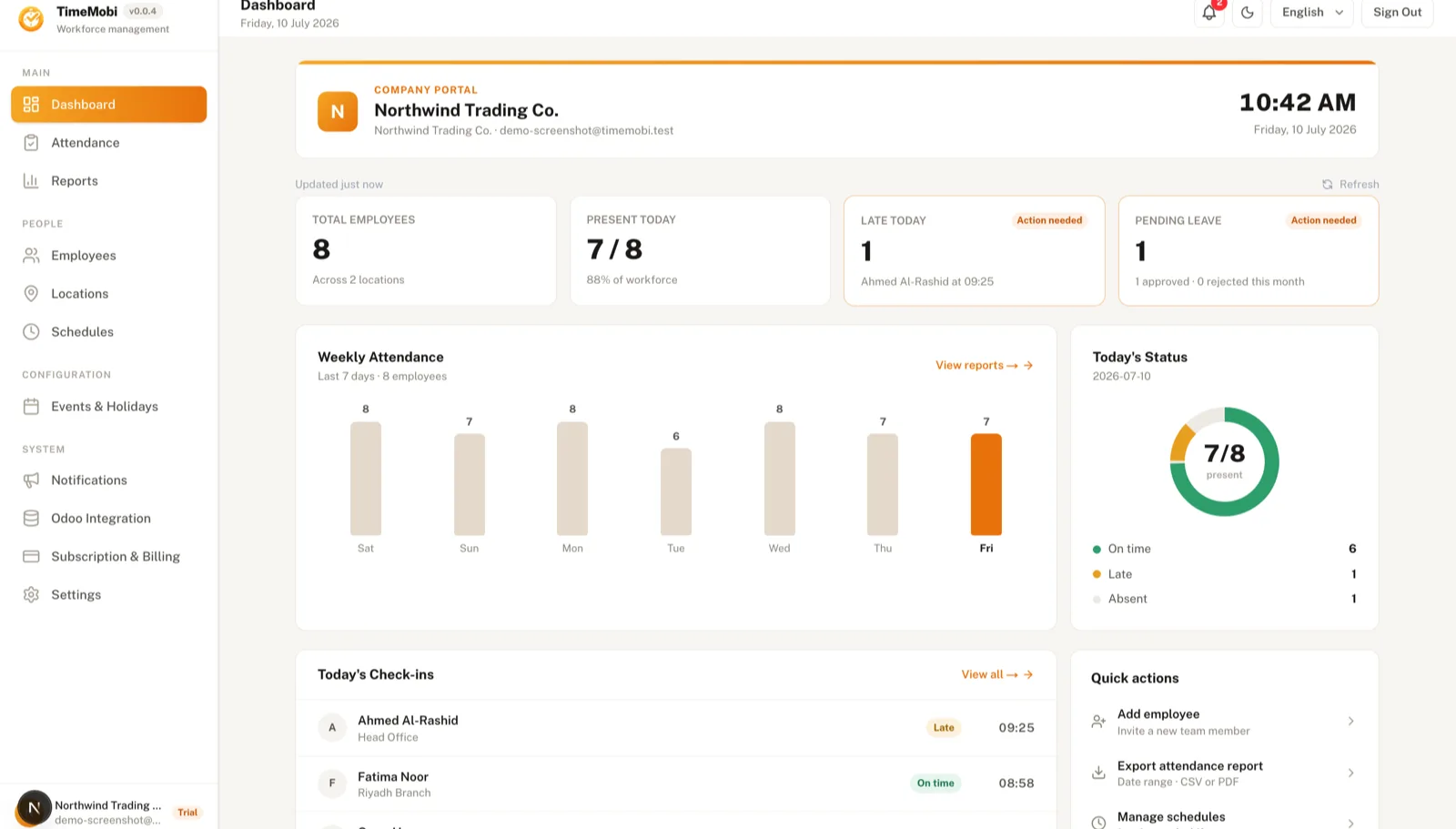
Employees use the mobile app in the field. Managers get a full web dashboard to oversee every location in real time.
Manager web dashboard
  • Real-time attendance across every location
  • Approve leave, overtime and timesheets in one click
  • Export payroll-ready reports and CSV files
  • Manage employees, sites, shifts and geofences
Employee mobile app Manager web dashboard
Simple, transparent pricing

Plans that grow with your team

Start free for 14 days. Upgrade only when you are ready. Cancel anytime.

14-day free trial · No credit card required

Why teams choose TimeMobi

Less admin, accurate attendance, happier teams

Everything you need to replace paper timesheets — without the guesswork.

End buddy-punching

GPS geofencing means employees can only clock in inside approved locations — so attendance is always real.

Cut payroll prep to minutes

Accurate hours, overtime and breaks export straight to payroll. No more chasing spreadsheets at month-end.

See every site live

One dashboard shows who’s in, who’s late and which locations are covered — updated in real time.

Questions, answered

Frequently asked questions

Everything you need to know before you start your free trial.

How does the 14-day free trial work?
You get full access to all features for 14 days, with no credit card required. At the end of the trial you can pick a plan or simply stop — nothing is charged automatically.
Do I need any special hardware?
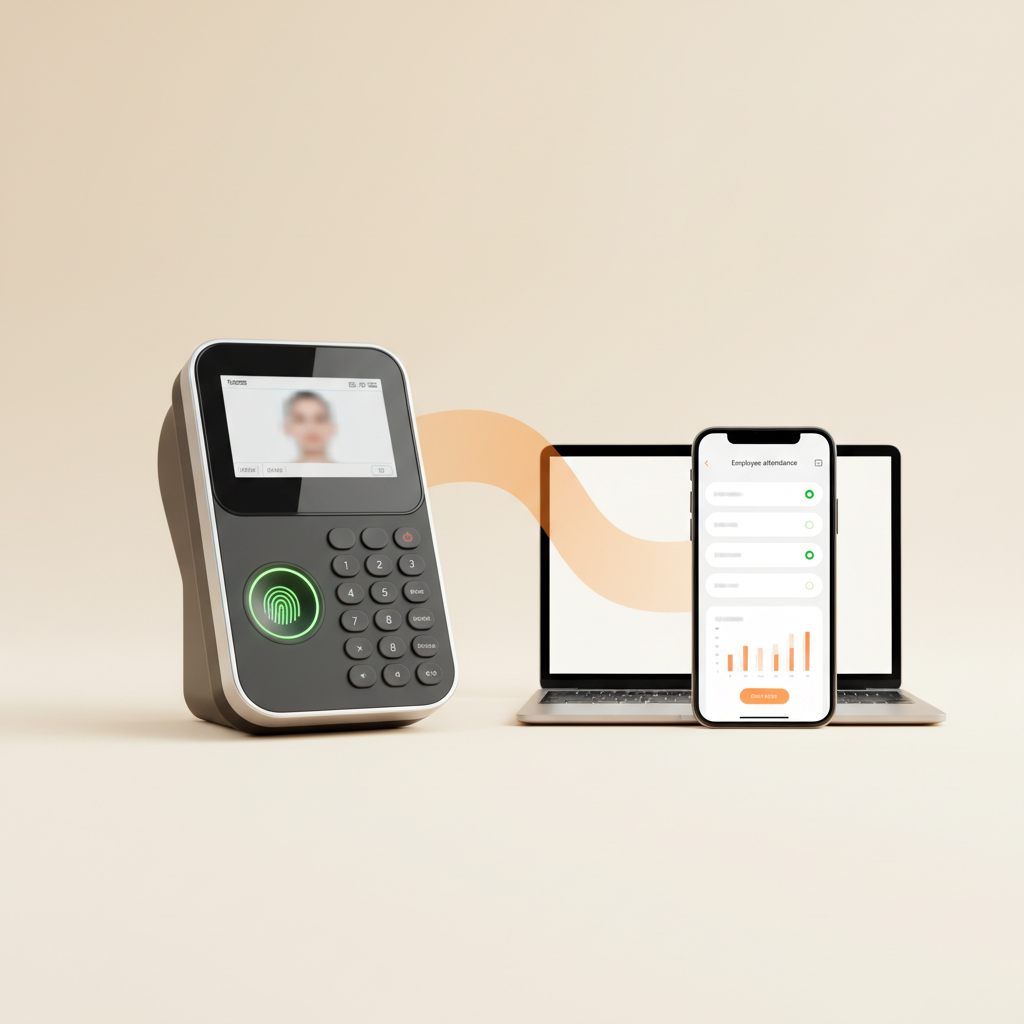
No. TimeMobi works entirely from the smartphones your team already has. There are no badges, terminals or biometric devices to install.
How does GPS clock-in prevent cheating?
You define geofenced worksites with a custom radius. The app verifies an employee is physically inside the approved area before allowing a clock-in, so attendance is always location-accurate.
Can employees clock in without internet?
Yes. The app stores check-ins offline and syncs automatically the moment a connection is available, so nothing is ever lost in the field.
Does it integrate with payroll and HR tools?
Higher plans include a documented API and an Odoo integration so attendance data flows straight into your payroll and HR workflows.
Is my data secure?
All data is encrypted in transit and at rest, hosted on reliable infrastructure with 99.9% uptime. You stay in full control of your team’s information.

Ready to retire the paper timesheet?

Start tracking attendance the modern way — accurate, effortless and ready in minutes.

Start your free trial

14-day free trial · No credit card required · Cancel anytime