Best GPS Attendance App for Businesses in 2026: Complete Guide

Finding the right GPS attendance app can transform how you manage your workforce. In this comprehensive guide, we'll explore everything you need to know about GPS-enabled attendance tracking systems in 2026.
What is a GPS Attendance App?
A GPS attendance app is a mobile application that uses GPS technology to track and verify employee attendance based on their geographic location. Unlike traditional time clocks or biometric systems, GPS attendance apps allow employees to clock in and out from their smartphones while automatically verifying they're at the correct work location.
Key Features of GPS Attendance Apps
- Location Verification: Ensures employees are physically present at the designated work site
- Geofencing: Set virtual boundaries that trigger automatic clock-in/out
- Mobile Accessibility: Employees use their smartphones — no hardware needed
- Cloud-based Storage: Secure data access from anywhere
- Automated Reports: Generate timesheets and attendance reports instantly
Why Your Business Needs a GPS Attendance App
1. Eliminate Time Theft and Buddy Punching
Traditional time cards make it easy for employees to clock in for absent colleagues. GPS attendance apps verify the employee's physical location, making buddy punching impossible. Industry research shows businesses can lose 2–8% of gross payroll to time theft — GPS verification addresses this directly.
2. Perfect for Field Workers and Remote Teams
If your employees work at multiple locations — sales representatives, delivery drivers, construction crews, maintenance teams — a GPS attendance app is essential. Track attendance across all your work sites without installing hardware at each location.
3. Reduce Administrative Time
Manual attendance tracking takes hours each week. GPS apps automate time tracking, break management, and report generation. Tasks that previously required hours can be done in minutes.
4. Improve Accountability and Punctuality
When employees know attendance is verified by location, punctuality improves. Managers gain real-time visibility without needing to micromanage.
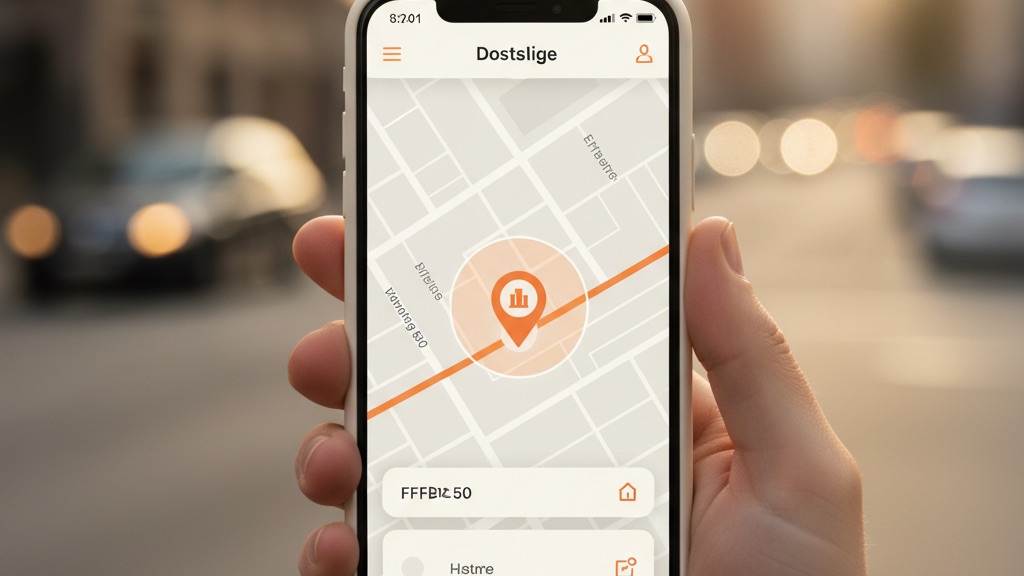
How GPS Attendance Apps Work
Step 1: Set Up Work Locations
Administrators define work sites by setting GPS coordinates and radius (geofence). For example, "Main Office — 50 metre radius" or "Construction Site A — 100 metre radius."
Step 2: Employees Download the App
Workers install the mobile app on their smartphones (iOS or Android). The app requests location permissions to function.
Step 3: Clock In with Location Verification
When an employee arrives at work, they open the app and tap "Clock In." The app:
- Captures current GPS coordinates
- Verifies they're within the geofenced area
- Records timestamp and location
- Sends confirmation to the manager
- Prevents clock-in if outside the permitted area
Step 4: Automatic Tracking Throughout the Day
The app tracks breaks, lunch periods, and work hours automatically. Managers can see real-time status of all employees from the web dashboard.
Step 5: Clock Out and Report Generation
At day's end, employees clock out with location verification. The system automatically calculates:
- Total work hours
- Break durations
- Overtime hours
- Location accuracy
Essential Features to Look For
1. Accurate GPS Technology
Look for apps with GPS accuracy within 10–20 metres. Poor accuracy leads to employees being unable to clock in when they're actually at the work site.
2. Offline Mode
GPS apps should work even without an internet connection. The app stores data locally and syncs when connectivity returns — critical for construction sites and remote locations.
3. Geofencing Flexibility
You need the ability to set multiple geofences with different sizes. A warehouse might need a 50-metre radius, while a construction site needs 200 metres.
4. Privacy Controls
Employees should only be tracked during work hours, never on personal time. The app must comply with local privacy regulations including the Saudi Personal Data Protection Law and GDPR.
5. Customisable Reports
Generate reports by employee, location, date range, or department. Export to Excel, PDF, or integrate with payroll systems.
6. Mobile and Web Access
Employees use the mobile app, but managers need a web dashboard for oversight and reporting. Both should be fast and intuitive.
Implementation Best Practices
Communicate with Your Team
Before rolling out a GPS attendance app, explain:
- Why you're implementing it (efficiency, accuracy, fairness)
- How it protects their privacy (tracking only during work hours)
- What benefits they'll see (accurate pay, no time card errors)
- How to use the app (provide training)
Start with a Pilot Programme
Test the app with one department or location for 2–4 weeks. Gather feedback and resolve issues before company-wide deployment.
Set Clear Policies
Document your attendance policies:
- Required clock-in radius (e.g. within 50 metres of work site)
- Grace periods for late arrivals (e.g. 5-minute grace period)
- Break tracking requirements
- What to do if the app malfunctions
- Privacy and data usage policies

Common Questions Answered
Is tracking employees' location legal?
Yes, when limited to work hours and work-related activities. You must:
- Inform employees about tracking in writing
- Only track during scheduled work hours
- Store data securely and comply with privacy laws
- Allow employees to disable tracking outside work hours
What if GPS signal is weak at my work location?
Modern GPS apps use hybrid location technology:
- GPS satellites (best for outdoor locations)
- Wi-Fi triangulation (works indoors)
- Cell tower triangulation (backup method)
Will this drain employees' phone batteries?
Quality GPS apps are optimised for battery efficiency. Location is only actively checked at the moment of clock-in and clock-out, not continuously throughout the day.
What happens if an employee forgets their phone?
Most GPS apps include backup methods:
- Manual entry by supervisor with explanation
- Web-based clock-in from office computers
Estimated ROI for a 50-Employee Business
These are illustrative estimates based on typical industry figures:
| Savings Category | Estimated Annual Saving |
|---|---|
| Reduce time theft (3% of payroll) | ~$36,000 |
| Reduce admin time (4 hrs/week) | ~$10,400 |
| Accurate overtime calculations | ~$8,000 |
| Eliminate time-clock hardware | ~$5,000 |
Getting Started
GPS attendance tracking has matured into a reliable, affordable, and easy-to-use technology. Whether you manage a construction crew, a sales team, or field service technicians, GPS verification will save you time and administrative effort.
Try TimeMobi Free for 14 Days
Set up your first work location in minutes. No credit card required.
Start Free Trial →