Time Attendance Application: Complete Buying Guide for Businesses
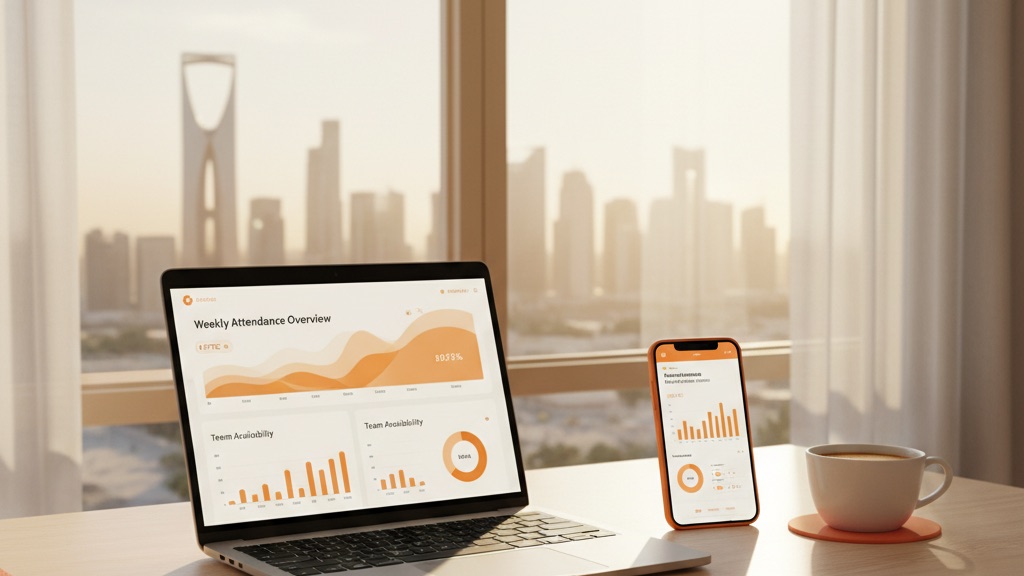
Choosing the right time attendance application can make or break your workforce management strategy. This guide walks you through everything you need to evaluate, compare, and implement the right solution for your business.
What is a Time Attendance Application?
A time attendance application is software that digitally records when employees start work, take breaks, and finish their shifts. Modern attendance apps go far beyond simple time clocks — they integrate GPS tracking, scheduling, leave management, and payroll calculation in one unified platform.
Evolution of Attendance Tracking
- 1990s: Paper timesheets and punch cards
- 2000s: Biometric fingerprint scanners
- 2010s: Cloud-based web applications
- 2020s: Mobile-first apps with GPS and AI
Today's time attendance applications leverage smartphones, cloud computing, and AI to provide unprecedented accuracy, flexibility, and insights into your workforce.
Why Your Business Needs a Time Attendance Application
1. Eliminate Manual Errors
Manual time tracking has an error rate of 1–8%. For a company with 50 employees, this translates to hours each week fixing timesheet errors, payroll inaccuracies, and disputes over hours worked. A time attendance application eliminates these issues with automatic clock-in/out and real-time validation.
2. Ensure Labour Law Compliance
Different countries have strict requirements for tracking employee hours:
- Saudi Arabia: Must track all work hours, overtime, and breaks per Saudi Labour Law
- Turkey: SGK reporting requires detailed attendance records
- UAE: MOL regulations mandate accurate time tracking
- EU: GDPR-compliant storage of employee data
The right attendance application automatically generates compliant reports and maintains proper records for audits.
3. Real-time Visibility
Know exactly who's working and what they're doing — in real time. No more waiting until the end of the week to discover attendance issues from Monday.
4. Scalability
Whether you have 10 employees or 10,000, a cloud-based attendance application grows with your business. Add new locations, departments, or shift patterns without additional hardware.
Essential Features of Modern Time Attendance Applications
Core Time Tracking Features
1. Multiple Clock-In Methods
Your attendance app should support various clock-in methods to accommodate different work environments:
- Mobile App: GPS-verified clock-in from smartphones
- Web Portal: Browser-based clock-in for office workers
- NFC/QR Code: Tap-to-clock-in at specific workstations
2. GPS Location Verification
For field workers and multi-location businesses, GPS tracking is essential:
- Verify employees are at the correct work site
- Set geofences around each location (50–500 metre radius)
- Prevent clock-in from unauthorised locations
3. Automatic Break Tracking
Compliance with labour laws often requires documented break periods. Your app should:
- Automatically deduct unpaid break time
- Remind employees to take required breaks
- Alert managers when breaks are missed or too long
4. Overtime Calculation
Automatic overtime tracking prevents disputes and ensures accurate pay:
- Calculate daily overtime (hours beyond 8/day)
- Calculate weekly overtime (hours beyond 40/week)
- Apply different overtime rates (1.5×, 2×, etc.)
- Handle special cases (holidays, night shifts)
Advanced Workforce Management
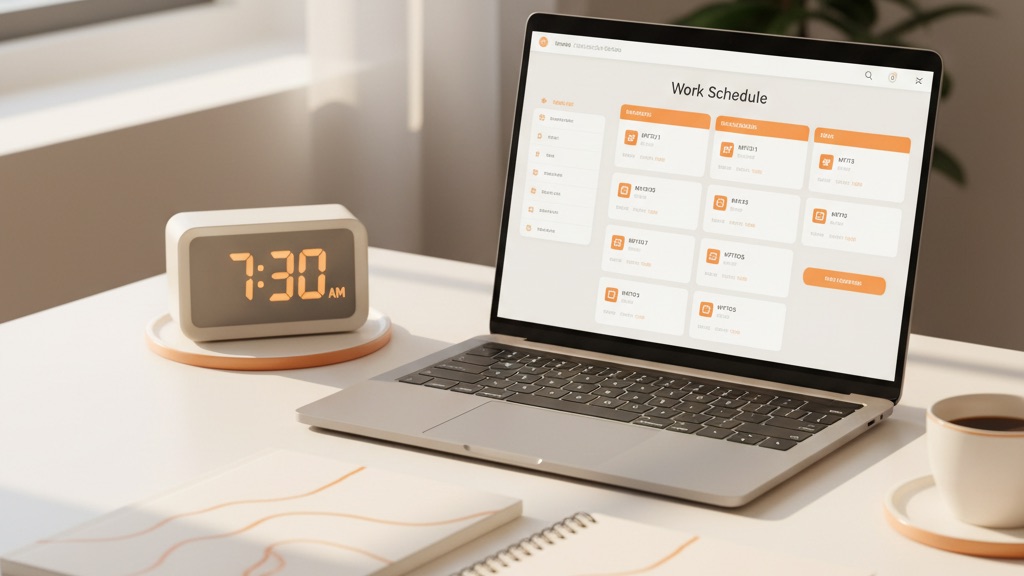
5. Shift Scheduling
Integrated scheduling eliminates the need for separate tools:
- Create rotating or fixed shift patterns
- Assign shifts to individuals or teams
- Handle shift swaps with approval workflows
- Track schedule adherence vs. actual attendance
6. Leave Management
Manage all types of time off from one system:
- Annual leave, sick leave, unpaid leave
- Leave balance tracking and accrual
- Mobile leave requests with manager approval
- Calendar view of team availability
7. Reporting and Analytics
Turn attendance data into actionable insights:
- Attendance Reports: Daily, weekly, monthly summaries
- Lateness Analysis: Identify chronic lateness patterns
- Overtime Reports: Control overtime costs
- Custom Reports: Build reports for your specific needs
How to Choose the Right Time Attendance Application
Step 1: Assess Your Requirements
Before evaluating vendors, answer these questions:
- How many employees need to track time?
- How many work locations do you have?
- Do you have field workers or remote employees?
- What shift patterns do you use?
- Do you need GPS tracking?
- What labour laws must you comply with?
- Do you need payroll integration?
- What's your budget per employee per month?
- What languages must the app support?
Step 2: Compare Vendors
Use this framework when evaluating options:
Functionality (40% weight)
- Does it have all features you need today?
- Can it handle your future requirements?
- How configurable is it?
Ease of Use (25% weight)
- Can employees learn it in 5 minutes?
- Is the manager dashboard intuitive?
- How many clicks to complete common tasks?
Reliability (20% weight)
- What's the guaranteed uptime?
- Does it work offline?
- How often are there bugs or issues?
Support & Service (15% weight)
- What support channels are available?
- Response time for issues?
- Training and onboarding included?
Step 3: Test with a Pilot Programme
Never roll out a time attendance application company-wide without testing first. Run a 2–4 week pilot with 10–20% of your workforce, mixing different roles and locations.
Measure success by:
- Clock-in success rate (target: 99%+)
- Employee satisfaction score
- Time saved vs. old process
- Accuracy of time records
- Number of support issues
Implementation Roadmap
Phase 1: Planning (Week 1)
- Form implementation team (IT, HR, Operations)
- Document current attendance process
- Set goals and success metrics
- Choose pilot group
Phase 2: Setup (Week 2)
- Configure company settings
- Add work locations and geofences
- Create shift patterns
- Import employee data
Phase 3: Training (Week 3)
- Train managers on dashboard and reporting
- Train employees on mobile app
- Create quick-reference guides
Phase 4: Pilot (Weeks 4–5)
- Run pilot with selected group
- Monitor daily for issues
- Gather employee feedback and make adjustments
Phase 5: Full Rollout (Week 6+)
- Deploy to all employees
- Decommission old system
- Continue monitoring and optimising

Common Challenges and Solutions
Employee Resistance
Solution: Communicate benefits early and often. Emphasise how the app makes their lives easier — accurate pay, easy leave requests, no more manual timesheets. Address privacy concerns transparently.
Technical Issues
Solution: Choose an app with offline mode, multiple clock-in methods, and responsive support. Document backup procedures.
GPS Accuracy Issues
Solution: Use apps that support Wi-Fi and cell tower triangulation in addition to GPS. Set appropriate geofence sizes (larger for difficult indoor locations).
Illustrative ROI for a 100-Employee Business
Estimates based on typical industry figures (100 employees, average $20/hour):
| Savings Category | Estimated Annual |
|---|---|
| Reduce time theft (4% of payroll) | ~$166,400 |
| Reduce admin time (10 hrs/week) | ~$26,000 |
| Accurate overtime calculation | ~$18,000 |
| Eliminate hardware costs | ~$8,000 |
| Reduce disputes and corrections | ~$5,000 |
Frequently Asked Questions
How long does implementation take?
For a small business (under 50 employees), you can be fully operational in 1–2 weeks. Larger organisations typically need 4–6 weeks for planning, pilot testing, and full rollout.
Do we need to buy special hardware?
No. Modern time attendance applications work on employees' existing smartphones. For office locations, you can use any computer with a web browser.
What happens if the internet goes down?
Quality apps work offline. Employees can clock in/out, and the data syncs automatically when connectivity returns. No data is lost.
How secure is our employee data?
Look for apps with:
- Encryption for data in transit and at rest
- Compliance with local privacy laws (Saudi PDPL, GDPR)
- Role-based access controls
- Regular security audits
Ready to Get Started?
The right time attendance application transforms workforce management from a time-consuming process into an automated, accurate, and efficient one. You'll save time, ensure compliance, and gain real-time visibility into your workforce.
Try TimeMobi Free for 14 Days
No credit card required. Full features. Cancel anytime.
Start Free Trial →Still have questions? Email us at support@getattendance.com or call +966 53 493 3777.